
Downloading an app outside the Google Play Store can naturally raise a few questions, and that’s exactly what Big Swerte APK Safety is about — giving you a clear, honest look at how safe the process really is. As a PAGCOR-licensed platform, we want every player to feel confident from the moment they download the app to the moment they start playing.
This guide walks through what actually makes an APK safe or risky, how to verify you’re getting the real Big Swerte file, and the practical steps you can take to protect your device throughout the process.
Is It Actually Safe to Download an APK?
The short answer: yes, when it comes from a source you trust. The hesitation around APK files usually comes from an Android warning that pops up during installation, cautioning against apps from “unknown sources“. That warning makes the process feel riskier than it is.
Here’s the reality — every Android app, including the ones on the Google Play Store, is built as an APK at its core. The Play Store simply automates the download and installation for you. When you install an APK directly, you’re doing that same process manually, without the Play Store as the middleman.
The file format itself isn’t the risk. The real risk lies in where the APK comes from. A file downloaded from an unverified third-party site or a random link can be modified to include malware. A file downloaded from an official, verified source carries no more risk than installing any app from the Play Store.
That distinction — source over format — is the core idea behind Big Swerte APK Safety, and it’s what the rest of this guide focuses on.
The Foundation of Big Swerte APK Safety
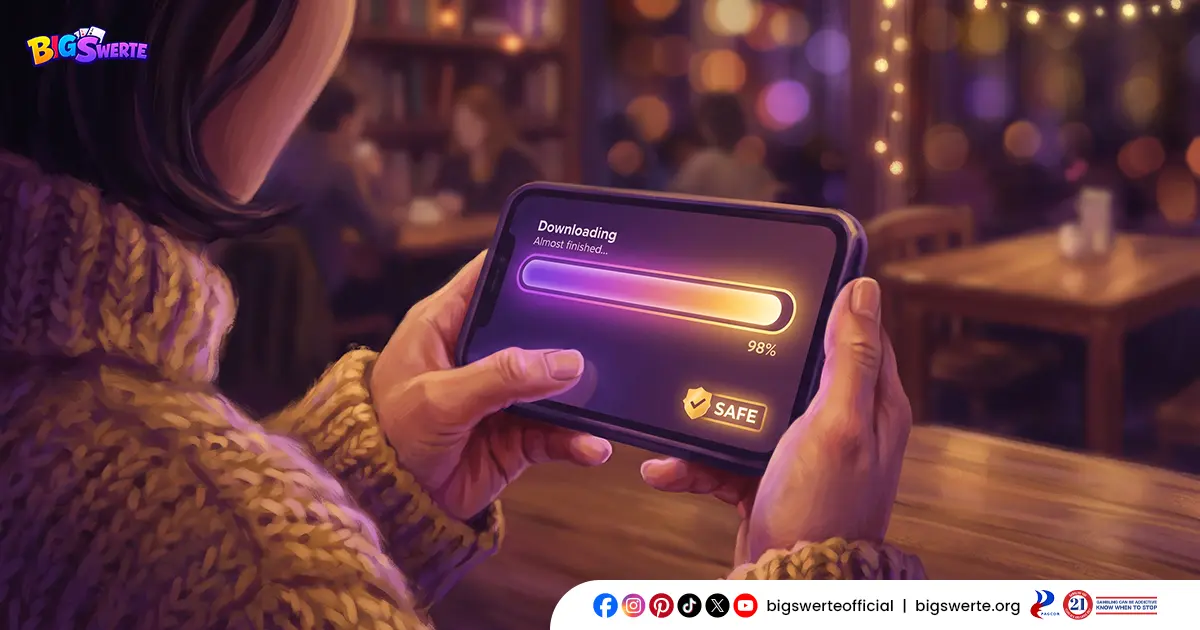
The APK, when downloaded from our official website, is the same complete, unmodified app available through the Google Play Store. Nothing about it is stripped down, repackaged, or altered — it’s the full platform experience, distributed through a direct channel instead of an app store.
As a PAGCOR-licensed operator, the way we distribute the app falls under the same regulatory oversight that governs the rest of the platform. App distribution isn’t separate from that accountability — it’s part of it.
That said, “safe” isn’t just about the file itself. It depends on where you get it from and how you verify it — which is exactly what the next few sections cover.
Understanding the “Install Unknown Apps” Permission
When you install the APK, your device will likely prompt you to enable “Install unknown apps” before the installation can proceed. This is a standard Android security setting — it’s not unique to Big Swerte, and it doesn’t mean anything is wrong.
Here’s what it actually does: by default, Android only allows app installations through the Google Play Store. This permission simply tells your device, “I’m choosing to install an app from a source outside the Play Store.” It’s a one-time confirmation, not a security downgrade.
The setting itself isn’t the risk — what matters is what you’re choosing to install once it’s enabled. Turning it on to install a verified, official APK carries no more risk than installing any app through the Play Store. The permission exists to make sure you’re making that choice knowingly, not accidentally.
Depending on your Android version, you’ll typically find this under Settings → Apps → Special Access → Install Unknown Apps, where you can enable it for your browser or file manager just for the installation.
Big Swerte APK Safety Check: Is This the Real File?
Since the APK is downloaded directly rather than through a store that vets every listing, verifying the source is the single most important safety step you can take. Here’s how to do it properly:
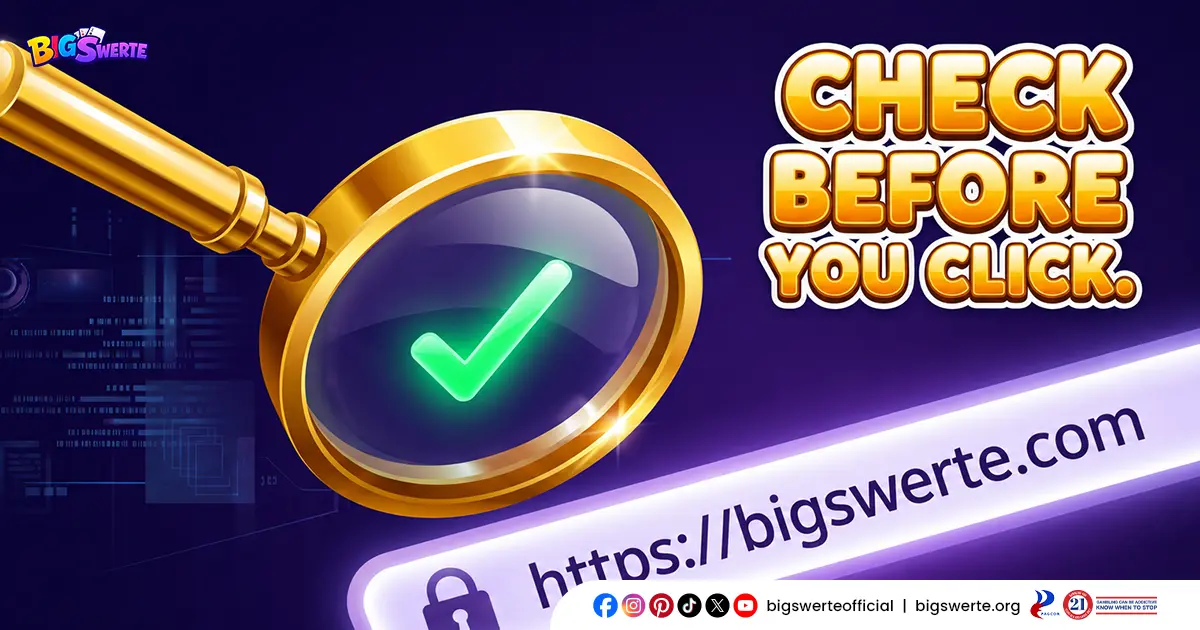
- Check the URL before downloading anything. Make sure you’re on our official website — not a copycat domain designed to look similar. Phishing sites often use URLs that are just slightly off from the real one.
- Look for the padlock icon in your browser’s address bar, confirming the connection is secured with SSL encryption.
- Download only from the official Big Swerte site. Avoid third-party app repositories, file-sharing platforms, or links shared through social media, chat groups, or unsolicited messages — even if they claim to offer the “same” APK.
- Be cautious of shortened or forwarded links. These can mask the actual destination and are a common phishing tactic.
- Compare the file source consistently. The APK should always come from the same official domain — if a link redirects you somewhere unfamiliar mid-download, stop and don’t proceed.
If you ever land on a page claiming to offer the APK and something feels off — unfamiliar branding, broken links, excessive pop-ups — treat it as a red flag and navigate back to our official website directly instead.
Red Flags of a Fake or Malicious APK
Knowing what a fraudulent APK looks like is just as important as knowing where to download the real one. Watch out for these warning signs:
- Unusual permission requests. If the app asks for access unrelated to its function — reading your contacts, messages, or call logs, for example — that’s a strong indicator of a modified or malicious file.
- A significantly smaller or larger file size than expected. Tampered APKs are often repackaged in ways that noticeably change their size.
- Sources outside our official website. Any APK offered through a third-party site, forum, or shared link — regardless of how legitimate it looks — should not be trusted.
- Too-good-to-be-true bonus offers tied to the download. Scammers sometimes use inflated promo claims to lure players into downloading a fake app.
- Immediate requests for sensitive information upon opening the app, before you’ve even logged into your actual account.
- Spelling errors, distorted logos, or inconsistent branding within the app itself — legitimate apps go through quality control that fake versions typically skip.
If you notice any of these signs, stop the installation immediately and uninstall the file if it’s already on your device.
Recognizing these red flags early is one of the simplest ways to practice Big Swerte APK Safety before any harm is done.
Big Swerte APK Safety: Steps Before, During, and After Installing
A few simple habits go a long way in keeping the installation process secure from start to finish:
Before installing:
- Confirm you’re downloading from our official website
- Make sure your device’s built-in security software is active — it will typically flag a genuinely suspicious file before installation completes
During installation:
- Enable “Install unknown apps” only for the browser or file manager you’re using to install — not as a blanket setting
- Review any permission prompts carefully before accepting them
After installing:
- Open the app and confirm it functions and looks exactly as expected — same login screen, same branding, same game library
- Consider disabling “Install unknown apps” afterward if you don’t plan on sideloading other files, keeping your device’s default protection intact
None of these steps take more than a few extra seconds, but together they close off most of the ways a fake or tampered file could cause harm.

If You Suspect a Fake APK
If you’ve already installed an APK and something feels off — unexpected permission requests, unfamiliar screens, or behavior that doesn’t match the platform you know — don’t log into your account through it.
Here’s what to do:
- Uninstall the app immediately from your device
- Do not enter your login credentials, OTP, or personal information if you haven’t already
- Run a security scan on your device using your antivirus or built-in security software
- Reach out to our 24/7 customer support through live chat, phone, or email if you’re unsure whether a file or download source was legitimate
Acting quickly limits any potential exposure, and our support team is available anytime to help you confirm whether something is safe.
Download Smart, Play Safe
Big Swerte APK Safety comes down to one habit: always download from our official website. Everything else — the permission prompts, the file verification, the red flags to watch for — exists to support that one rule.
Follow it consistently, and installing the APK carries no more risk than installing any app through the Play Store. The full platform, the full game library, the same secure account — all just one careful download away.
Frequently Asked Questions (FAQs)
Will my antivirus flag the APK as a threat?
No, not if it’s downloaded from our official website. Antivirus software may occasionally flag any APK simply because it’s installed outside the Play Store, but this is a generic warning about the installation method, not an indication that the file itself is harmful.
Is downloading and installing APK files legal in the Philippines?
Yes. APK installation is a standard part of the Android operating system, and there’s nothing illegal about downloading or installing one. What matters is the legitimacy of the source, which is why we always recommend downloading only from our official website.
Does installing the APK void my device’s warranty?
No. Installing an APK does not modify your device’s operating system or hardware, so it has no effect on your manufacturer’s warranty.
Can I install the APK on an iPhone?
No, APK files are exclusive to Android devices. iPhone and iPad users can access the app through the Apple App Store instead.
Do I need to keep “Install unknown apps” enabled permanently?
No. You can disable this setting right after installing the APK if you don’t plan on sideloading other apps. It only needs to be active during the installation itself.