
Forgot your password? It happens to the best of us. Whether you’ve been away for a while or simply lost track of your login credentials, getting back into your account is easier than you think.
The Big Swerte forgot password process does not have a self-service reset option. Instead, the platform connects you directly with a live customer support agent who will verify your identity and help restore your account access quickly and securely.
In this guide, we’ll walk you through the exact steps to recover your Big Swerte account — so you can get back to playing in no time.
Can You Reset Your Password?
Yes, you can — but not in the traditional way.
Most online platforms offer a self-service password reset through email or SMS verification. The Big Swerte forgot password process, however, works differently. We ask you to reach out directly to our customer support team via live chat, where an agent will verify your identity and process the reset on your behalf.
This approach ensures that only the legitimate account owner can regain access, adding an extra layer of security to your account.
As long as you have your Account ID and Username ready, the process is straightforward and typically resolved within a few minutes.
Big Swerte Forgot Password: Step-by-Step Reset Guide
Follow these steps to recover your account through customer support:
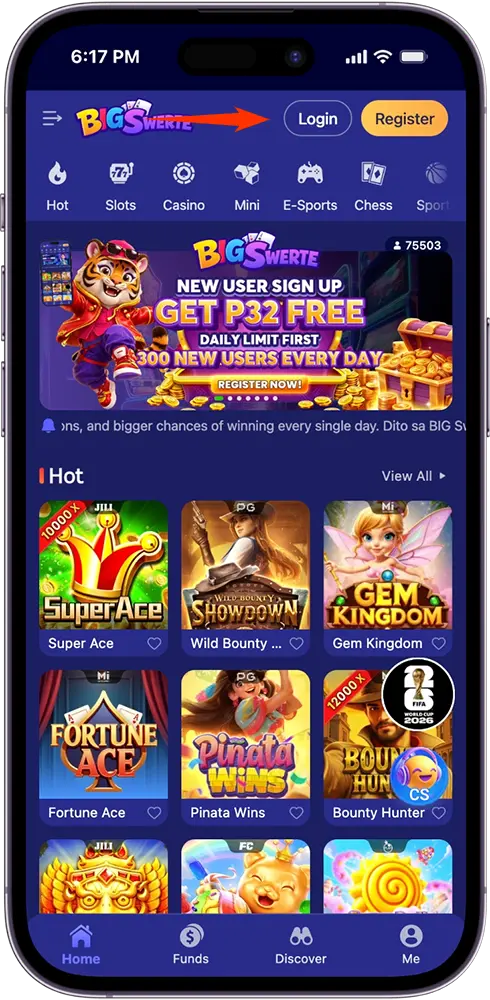
Step 1: Go to the Login Page
Open the Big Swerte website or app and click the Login button to access the login page.
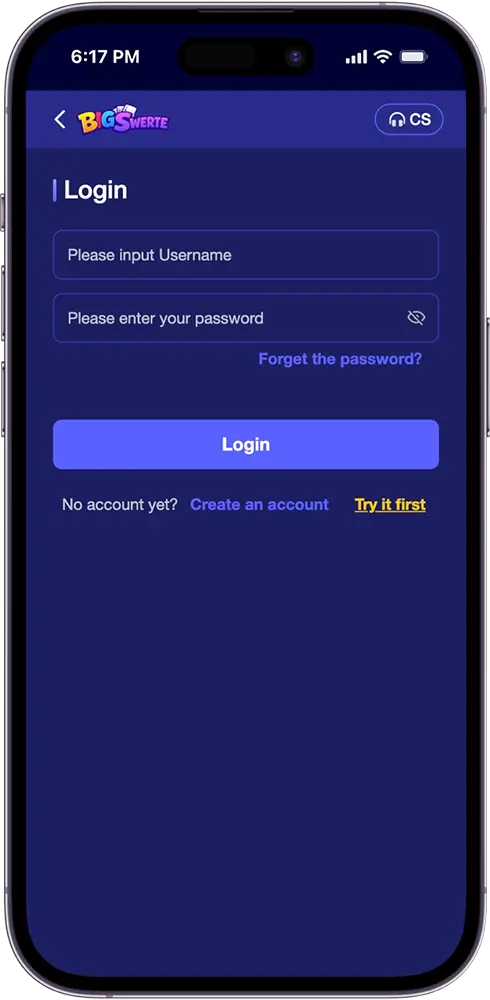
Step 2: Click “Forgot the Password?”
Below the password field, tap the “Forgot the password?” link. A pop-up will appear asking if you’d like to contact customer service to retrieve your password.
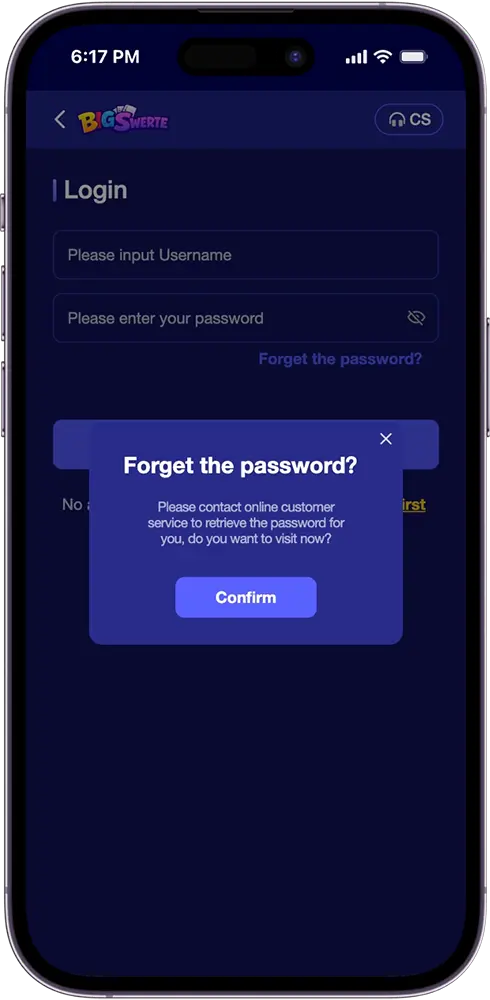
Step 3: Confirm and Proceed
Click the Confirm button. You’ll be redirected to the support page where two customer service options are available — CS 1 and CS 2.
Step 4: Start a Live Chat
Choose either CS option and click Contact. A live chat window will open. Fill in your Name, Account ID, and Username, then select Player as your User Type. Click Start the Chat to connect with a support agent.
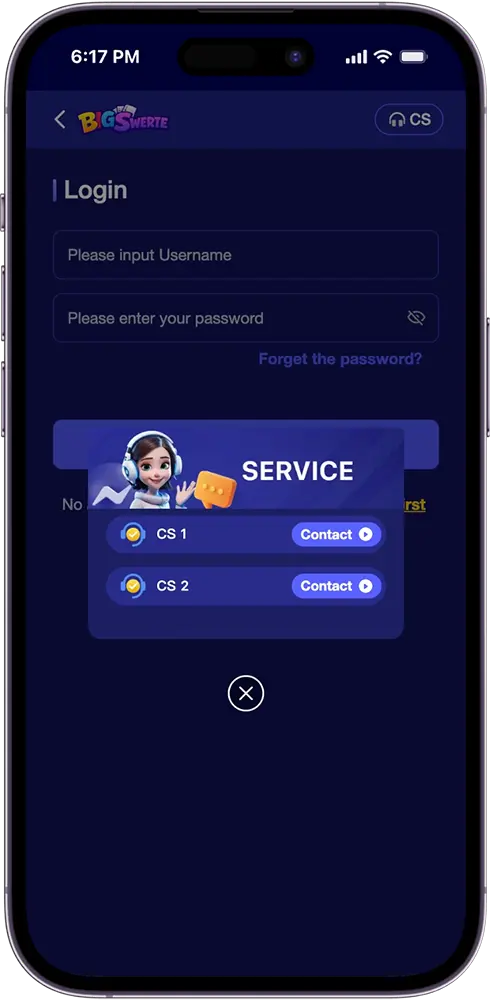
Step 5: Request a Password Reset
Once connected, inform the agent that you need to reset your password. Have your account details ready for verification.
Tips Before Contacting Support for Password Reset
Before reaching out to the customer support team, keep these tips in mind to make the process faster and smoother:
Have your account details ready.
Make sure you have your Account ID and Username on hand before starting the live chat. The support agent will need these to verify your identity and process the reset.
Use the correct User Type.
When filling out the live chat form, always select Player as your User Type. Selecting the wrong option may delay your request or route you to the wrong support queue.
Be accurate with your information.
Double-check the details you provide — incorrect information may cause delays or result in a failed verification.
Contact support during active hours.
For faster response times, reach out during peak operating hours. If one CS option is unavailable, try the other.
Do not share your password with anyone.
Support agents will never ask for your password. They only need your Account ID and Username for verification purposes.
Frequently Asked Questions (FAQs)
Can I reset my password without contacting support?
No. We do not offer a self-service password reset option. The only way to recover your password is by reaching out to our live customer support team.
What information do I need to recover my account?
You will need your Account ID and Username to verify your identity during the live chat process.
How long does the password reset process take?
The process is typically resolved within a few minutes, as long as you provide accurate account details to the support agent.
What if both CS 1 and CS 2 are unavailable?
Try reaching out again during active support hours. You can also access customer support directly through the CS button on the top right corner of the app or website.
Will Big Swerte ask for my password during the reset process?
No. Support agents will never ask for your password. They only require your Account ID and Username for identity verification.