

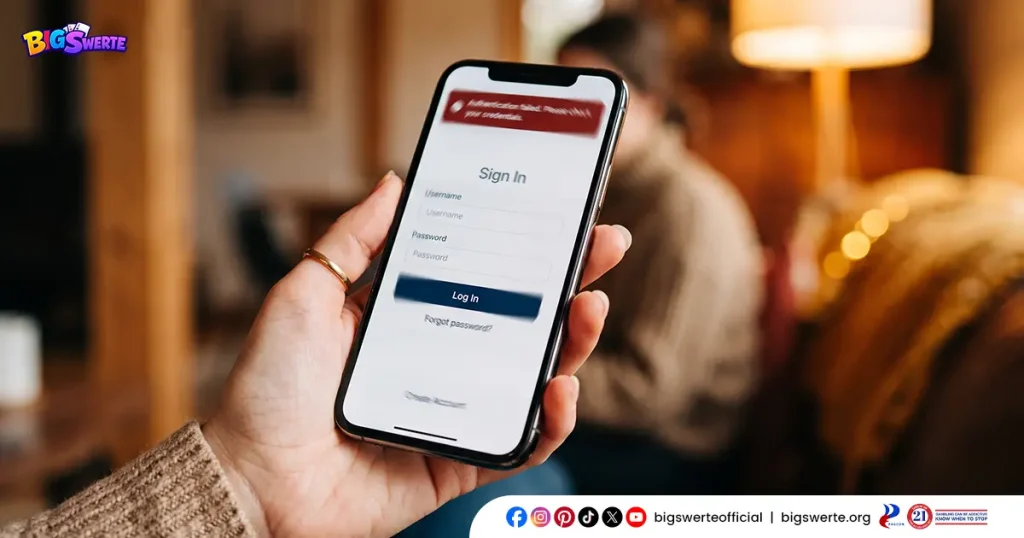
A Big Swerte login error can be frustrating, especially when you’re ready to jump into a game and your account won’t cooperate. Fortunately, most login errors come down to a handful of common causes, and nearly all of them are quick to fix.
At Big Swerte, whether it’s a simple typo, a browser hiccup, or something on our end, getting back into your account is usually just a few steps away.
Common Causes of a Big Swerte Login Error
A login error usually points to one of a few specific issues. Here’s what typically causes it:
Incorrect Username or Password
This is the most common cause by far. A simple typo, an accidentally enabled Caps Lock, or an outdated saved password in your browser can all trigger a login error, even when you’re confident your details are correct.
Browser or App Cache Issues
Stored cache and cookies can sometimes conflict with the login process, especially after a platform update. Clearing this data often resolves the error immediately.
Unstable Internet Connection
A weak or interrupted connection can cause the login request to fail or time out, even if your credentials are entered correctly.
Scheduled Maintenance or Technical Downtime
Occasionally, brief maintenance windows or technical issues on our end can temporarily prevent logins platform-wide. These are typically resolved quickly.
Account-Related Restrictions
In some cases, a login error isn’t technical at all — it may be a sign that your account is locked or that you’ve forgotten your password. If either applies to you, we’ve got dedicated guides that walk through unlocking your account or recovering access when your password slips your mind.
Identifying which of these matches your situation makes the next step much faster.
How to Fix a Big Swerte Login Error
If you’re running into a login error, work through these steps in order:
Step 1: Double-Check Your Credentials
Confirm that your username and password are entered correctly. Check for accidental spaces, Caps Lock, or auto-filled outdated passwords saved in your browser.
Step 2: Clear Your Browser or App Cache
Cached data can sometimes conflict with the login process. Clear your browser’s cache and cookies, or if you’re using the app, clear its cache through your device settings.
Step 3: Check Your Internet Connection
Make sure you have a stable connection. Switching from mobile data to WiFi, or vice versa, can often resolve a connection-related login error.
Step 4: Refresh and Try Again
Close the browser tab or app completely, then reopen it and attempt to log in again. This simple reset resolves many temporary glitches.
Step 5: Check for Scheduled Maintenance
If the issue persists across multiple attempts, there may be brief maintenance happening on our end. Wait a few minutes and try again before assuming the issue is on your side.
When to Contact Customer Support
If you’ve worked through the steps above and you’re still unable to log in, it’s time to reach out rather than keep troubleshooting on your own.
Contact our support team through live chat, phone, or email if:
- You’ve confirmed your credentials are correct, but the error persists
- The error message specifically mentions a restricted, locked, or suspended account
- You suspect the issue may be tied to a forgotten password rather than a technical error
- The problem continues across different devices, browsers, or networks
- You’ve waited beyond a typical maintenance window and still can’t access your account
Our support team is available 24/7 and can quickly identify whether the issue is account-related or something on our end, so you’re not left guessing.
Tips to Avoid Future Login Errors
A few simple habits can help you avoid running into login errors altogether:
Use a password manager.
Saving your credentials securely reduces the risk of typos and helps you avoid relying on outdated auto-fill passwords.
Keep your browser and app updated.
Running the latest version helps ensure compatibility with our login system and reduces the chances of cache-related conflicts.
Log in on a stable connection.
Avoid logging in on unstable or public WiFi networks when possible, especially before placing bets or making transactions.
Avoid multiple rapid login attempts.
Repeated failed attempts in quick succession can sometimes trigger temporary security holds. Take a brief pause between attempts if your first few tries don’t succeed.
Bookmark the official login page.
Save the correct URL directly in your browser so you always land on the official login page instead of risking mistyped addresses or unofficial links.
Smooth Sailing Back to the Games
Most login errors are minor speed bumps, not major setbacks. A quick check of your credentials, a cleared cache, or a stable connection is often all it takes to get you back in.
And if something more is going on, we’re here 24/7 to sort it out with you, so you can spend less time troubleshooting and more time playing.
Frequently Asked Questions (FAQs)
Why does Big Swerte keep showing a login error even when my details are correct?
This is often caused by cached browser or app data conflicting with the login process, or a temporary connectivity issue. Clearing your cache and confirming a stable connection usually resolves it.
Is a login error the same as having my account locked?
Not necessarily. A login error is often technical, such as a browser or connection issue, while a locked account is a deliberate restriction tied to security, verification, or policy reasons. If your error message specifically mentions restricted access, it’s likely the latter.
Will a login error affect my account balance or funds?
No. A login error only affects your ability to access your account. Your balance and funds remain untouched regardless of how long the error persists.
How long does scheduled maintenance typically last?
Maintenance windows are usually brief, often resolved within minutes. If login issues continue well beyond a short wait, it’s best to reach out to our support team to rule out an account-specific cause.
Why can I log in on one device but not another?
This is often tied to outdated app versions, browser-specific cache issues, or connection differences between devices. Try clearing cache on the affected device first, and if the issue persists, our support team can help investigate further.